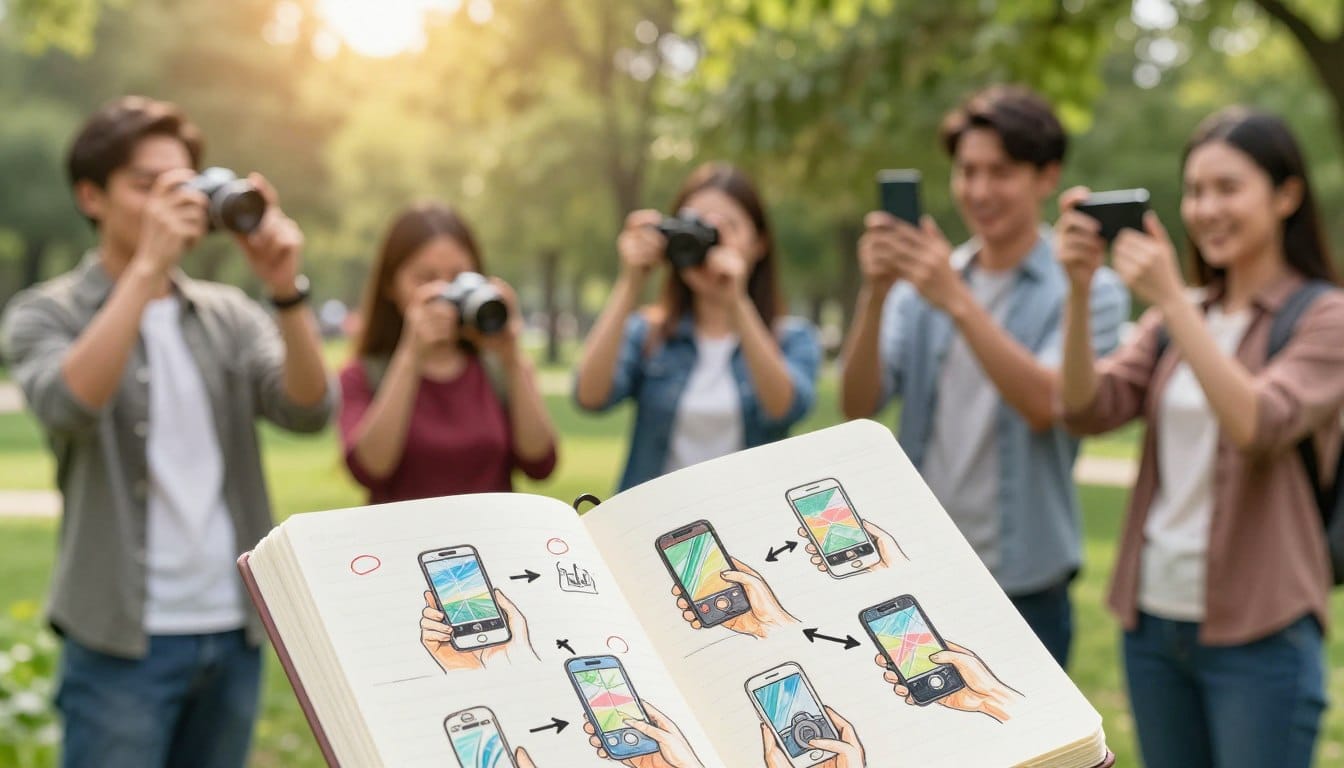
Have you ever wondered why some images stand out while others seem flat and uninspiring? In today’s digital age, capturing stunning images is more accessible than ever. With modern smartphones, like the iPhone 15 Pro, you can achieve impressive results with just a few adjustments.
Many individuals struggle with blurry or poorly lit images. However, mastering the basics of smartphone photography is a skill that anyone can learn. Simple tweaks to your camera settings can lead to remarkable improvements in your results.
The School of Photography, founded by Marc Newton, emphasizes that you don’t need expensive gear to take amazing images. By understanding your device’s core functions, you can elevate your mobile gallery from ordinary snapshots to professional-looking images.
If you’re ready to transform your photography journey, explore the essential techniques that can make a significant difference today.
Key Takeaways
- Modern smartphones enable high-quality image capture.
- Basic adjustments can drastically enhance your images.
- Understanding your device is key to stunning results.
- Professional techniques are accessible to everyone.
- Simple changes can turn ordinary images into captivating visuals.
Introduction: From Frustration to a Quick Fix
Why do some images capture our attention while others fall flat? With smartphones evolving into powerful creative tools, it’s essential to know how to maximize their potential. Marc Newton highlights that understanding your device can lead to stunning results.
To elevate your image quality, start with a few simple adjustments. Here are three key takeaways to jumpstart your skills:
- Clean your lens: A dirty lens can blur your images. Always check and clean it before shooting.
- Focus and avoid digital zoom: Tap to focus on your subject and refrain from using digital zoom to maintain image clarity.
- Utilize natural light: Prioritize natural light over artificial sources for more vibrant and true-to-life colors.
“The best camera is the one you have with you.” - Chase Jarvis
Understanding Your Phone’s Camera Basics
Curious about what sets apart stunning smartphone images from the ordinary ones? Understanding your camera app is crucial for taking control of your mobile photography. By familiarizing yourself with its features, you can significantly enhance your image quality.
Marc Newton emphasizes that tapping your subject on the screen allows the phone camera to lock focus and adjust exposure for clarity. This simple action can make a world of difference in your shots.
Modern smartphones boast high-resolution sensors, often reaching 48MP or 50MP. This allows for high-quality cropping without losing detail. Explore your device’s manual settings to see if you can shoot in RAW, providing more flexibility during editing.
Adjusting the exposure slider manually is another powerful feature. This helps balance highlights and shadows, ensuring your final image reflects your vision perfectly.
Mastering Phone Photography Tips For Better Photos
Elevate your mobile photography game with simple yet powerful techniques. Understanding how to use your smartphone’s advanced features can lead to stunning results.
One effective method is using Burst Mode. This captures multiple frames in quick succession, making it perfect for fast-moving subjects like pets or children. You’ll find that your action shots become sharper and more dynamic.
Another feature to explore is HDR Mode. This automatically takes several photos at different exposures and merges them, balancing bright skies with darker foregrounds. It’s a game-changer for outdoor shots.
Marc Newton emphasizes the importance of mastering these features. They can significantly boost your success rate in capturing unpredictable moments. Additionally, understanding how your shutter speed interacts with light helps prevent motion blur, especially in low-light situations.
Consistent practice with these modes will transform you into a more confident photographer. Remember, the device in your pocket is a powerful tool for creating stunning images.
Utilizing Natural Light for Cleaner, Sharper Images
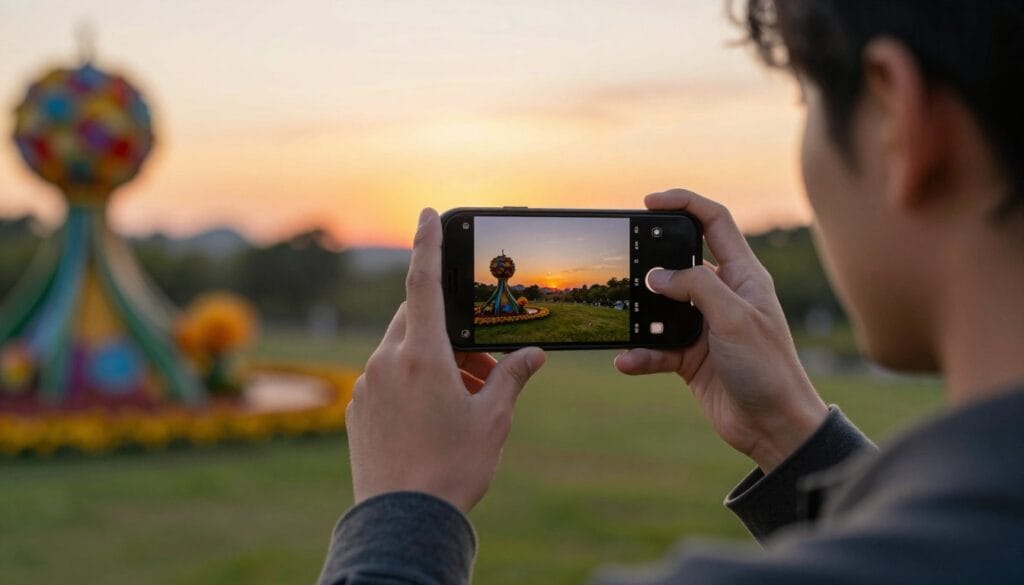
Have you ever noticed how lighting can completely change the mood of an image? Natural light plays a crucial role in enhancing the quality of your shots. It improves sharpness, color, and skin tones, especially when compared to indoor artificial lighting.
Here are some key insights on using natural light:
- Natural light is the most important principle in photography, providing the softest and most flattering illumination for your subjects and landscapes.
- Marc Newton suggests shooting outdoors whenever possible to avoid the noise and poor color reproduction often caused by small smartphone sensors indoors.
- Utilizing natural light gives you better control over the mood and tone of your images without needing expensive studio equipment.
- Harsh sunlight can be managed by finding shade, creating a more even lighting environment for portraits and close-up photography.
- Always look for the golden hour, as the soft, warm light during this time creates stunning images that look professional and inviting.
| Lighting Type | Best Use | Notes |
|---|---|---|
| Natural Light | Outdoor Shots | Soft and flattering |
| Shade | Portraits | Even lighting |
| Golden Hour | All Subjects | Warm and inviting |
Enhancing Composition & Creative Angles
Did you know that applying simple composition rules can make your images more captivating? Understanding how to frame your shots can significantly impact the quality of your results.
One effective technique is the Rule of Thirds. By turning on your camera grid, you can position key subjects at the intersections, creating a more dynamic composition. This method helps balance your images and draw attention to focal points.
Marc Newton highlights another powerful approach known as the Rule of Odds. Grouping subjects in odd numbers, such as three or five, creates a natural and engaging look. This technique enhances visual interest in your shots.
Additionally, leading lines are essential in guiding the viewer’s eye through your pictures. Elements like roads or pathways can direct attention to your main subject. Using negative space effectively allows your subject to stand out, giving your images a clean and minimalist aesthetic.
Lastly, don’t hesitate to experiment with creative angles. Shooting from a low perspective can transform ordinary scenes into compelling visual stories.
| Composition Technique | Best Use | Notes |
|---|---|---|
| Rule of Thirds | Dynamic Balance | Use grid for placement |
| Rule of Odds | Visual Interest | Group subjects in odd numbers |
| Leading Lines | Focus Direction | Guide viewer’s eye |
| Negative Space | Subject Emphasis | Minimalist aesthetic |
| Creative Angles | Unique Perspectives | Transform ordinary scenes |
Leveraging Phone Camera Modes for Varied Shots
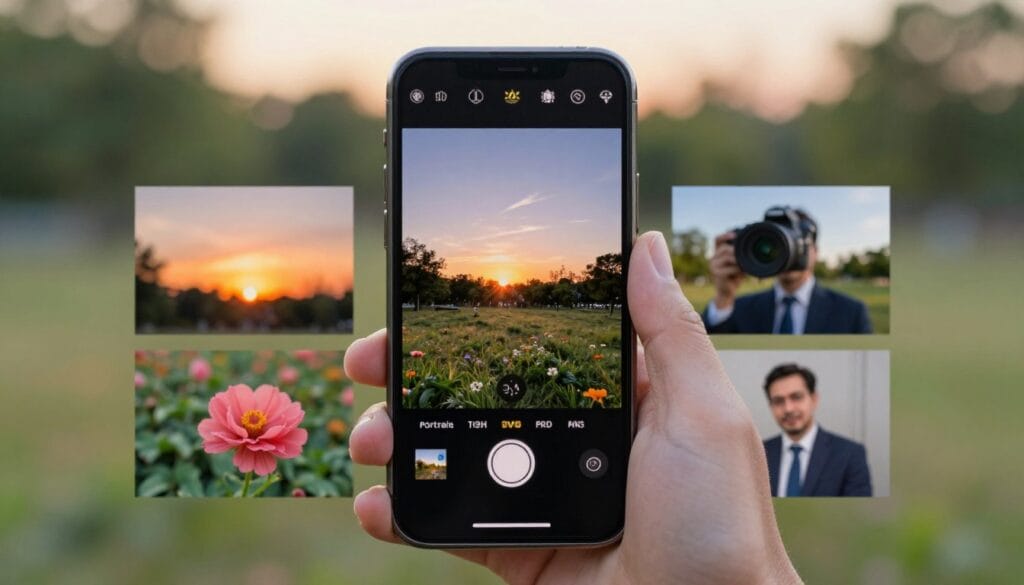
What if you could unlock new creative possibilities with your smartphone’s camera modes? These features can transform your images and enhance your skills. Understanding how to use them is essential for capturing stunning shots.
One of the most exciting modes is Portrait Mode. This feature creates a beautiful background blur, isolating your subject. It mimics the depth-of-field effect seen in high-end cameras, making your portraits look professional.
When dealing with challenging lighting, Night Mode is invaluable. It combines multiple images to brighten dark scenes without introducing excessive noise. This mode allows you to capture clear and vibrant images even in low light.
For those who want more control, Pro or Manual Mode is the way to go. It provides full access to settings like ISO, shutter speed, and white balance. This is perfect for advanced users who want to tailor their photography experience.
Marc Newton encourages experimenting with these modes to discover their potential. Mastering these built-in features allows you to adapt your camera to any environment, from bright landscapes to dim interiors.
| Camera Mode | Best Use | Notes |
|---|---|---|
| Portrait Mode | Portraits | Creates background blur |
| Night Mode | Low Light | Combines images for clarity |
| Pro/Manual Mode | Advanced Settings | Full control over settings |
Editing for a Professional Finish on Your Smartphone
Imagine turning your ordinary shots into professional-looking masterpieces with just a few adjustments. Editing is the final step that ensures your images look polished and captivating. With the right tools, you can easily adjust exposure, contrast, and color temperature.
Using an app like Adobe Lightroom or Snapseed provides the essential features to crop, straighten, and sharpen your images. These apps allow you to refine your work and bring out the best in your captures.
Samsung users can take advantage of the My Filters feature on devices like the Galaxy S24. This tool helps reproduce the styles of your favorite images effortlessly. Marc Newton teaches that even a quick edit can transform a flat shot into a vibrant piece of art.
However, it’s crucial to edit lightly. Over-sharpening or excessive color adjustments can degrade the quality of your final work. Always aim for a balance that enhances your images without compromising their integrity.
Avoiding Common Smartphone Photography Mistakes
Many aspiring photographers encounter pitfalls that can hinder their progress. Understanding these common mistakes is essential for improving your results. By being aware of what to avoid, you can elevate your mobile photography to new heights.
One major issue is the use of digital zoom. This feature crops the image, leading to a significant loss of detail and quality. Instead, try to get closer to your subject to maintain clarity.
Another common mistake is relying on the built-in flash. This often results in harsh lighting that does not flatter your subjects. Natural light is generally more forgiving and can enhance your images dramatically.
If you frequently notice blur in your shots, ensure you are steady when pressing the shutter button. Using a tripod can help maintain stability and improve your results.
Many beginners also struggle with crooked horizons. You can easily correct this by enabling the grid overlay on your camera. This simple tool can help you achieve balanced and visually appealing compositions.
By avoiding these common pitfalls, you will immediately see an improvement in the quality and consistency of your mobile photography output.
| Mistake | Effect | Solution |
|---|---|---|
| Digital Zoom | Loss of detail | Get closer to the subject |
| Built-in Flash | Harsh lighting | Use natural light |
| Camera Shake | Blurry images | Use a tripod |
| Crooked Horizons | Unbalanced composition | Enable grid overlay |
Experimenting with Smartphone Photography Accessories
Using the right accessories can unlock new creative avenues in your mobile photography. Investing in quality tools enhances your experience and expands your capabilities.
For instance, clip-on lenses are a fantastic addition. They come in various types, including macro, wide-angle, and telephoto. These lenses allow you to explore different perspectives without needing a new device.
Additionally, a sturdy tripod can stabilize your smartphone. This is especially helpful for long-exposure shots and ensures consistent framing. Marc Newton suggests that while you don’t need every gadget, a small LED light can greatly improve indoor or low-light portrait photography.
Before purchasing any lens attachment, check compatibility with your specific smartphone model. This helps avoid issues like vignetting or poor image quality. Also, consider Bluetooth remote triggers. They let you take photos from a distance without touching your device, preventing unwanted shake.
Quick Tips to Stabilize and Enhance Your Shots
Are you looking to enhance the quality of your smartphone images effortlessly? Stability and the right tools can make a significant difference in your photography. Here are some key insights to help you achieve stunning results.
Using a tripod is essential for maintaining stability, especially during long-exposure shots or time-lapses. This ensures your device remains perfectly still, allowing for crisp images even in low light. Top-tier models like the iPhone 15 Pro and Samsung Galaxy S24 Ultra offer advanced camera systems that can greatly benefit from this stability.
Marc Newton emphasizes that consistency is key. A tripod helps you maintain the same framing across multiple shots, making blending easier in post-processing. Additionally, consider using a telephoto lens attachment. This allows you to get closer to your subject without sacrificing image quality due to digital zoom.
Lastly, always keep your lens clean. A small smudge can degrade the quality of your images, making them appear soft or hazy. By following these tips, you can elevate your smartphone photography to new heights.
Final Reflections on Elevating Your Photography Game
Every journey in capturing stunning images begins with practice. Embrace the art of taking numerous shots and reviewing them to enhance your skills. As you progress, reflect on your lighting, clarity of subjects, and composition using the rule of thirds.
Remember, your smartphone is a powerful tool. Utilize its features like night mode and portrait mode to create captivating visuals. Additionally, consider editing your images with apps to refine their appeal.
For those eager to explore more, check out this insightful resource on how self-portraits can elevate your creative journey: self-portraiture and its transformative effects.
Lastly, always be aware of your hardware’s limitations. A well-informed photographer is a successful one. Keep learning, experimenting, and most importantly, enjoy the process!