
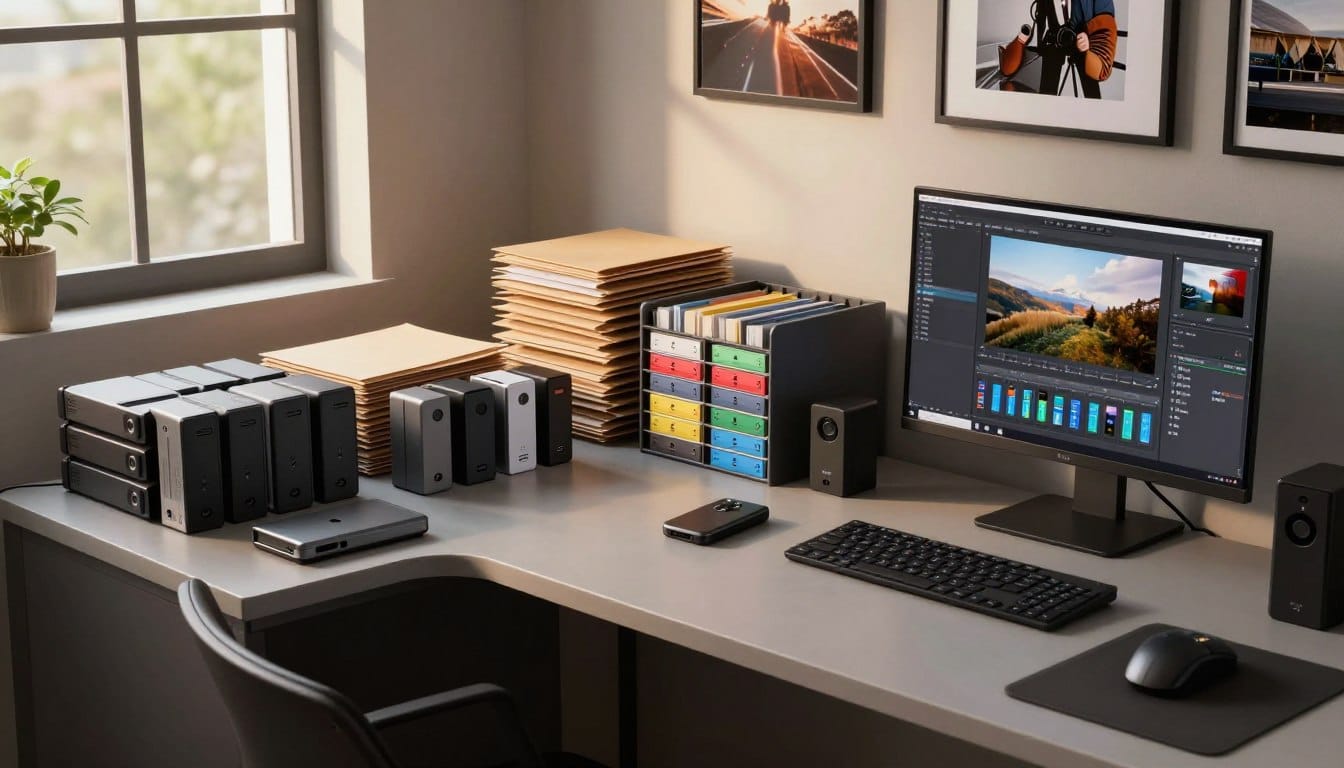
Have you ever lost a cherished image due to a technical failure? This nightmare is a common fear among photographers. Imagine pouring your heart into capturing the perfect shot, only to have it vanish in an instant. Fortunately, there is a solution that can help you avoid this fate.
Modern cameras often come equipped with dual card slots. This feature allows you to back up your primary files simultaneously. By configuring your camera to use the second card as a dedicated backup, you can ensure that even if one card fails, your precious images remain safe and accessible.
Many professionals, like Zach Nichols, have thrived in their careers without ever needing overflow card slots. They rely on this simple yet effective method to secure their work. If you’re ready to elevate your photography game, consider implementing this strategy today.
Key Takeaways
- Losing images due to technical issues is a photographer’s worst nightmare.
- Using dual card slots can protect your valuable work.
- Configuring your camera for backup is a simple and effective strategy.
- Many professionals have successfully used this method for years.
- Prioritizing your storage strategy can save your career.
Understanding the Critical Need for Reliable Image Backups
Imagine losing years of hard work because of a single technical glitch. Every photographer knows that protecting their images is crucial. A reliable backup system is not just a luxury; it’s a necessity.
As noted by Zach Nichols, many professionals mistakenly believe that simply offloading files to a single hard drive constitutes a complete backup. This misconception can lead to devastating losses.
Protecting your priceless images requires a robust system that accounts for hardware failure, theft, and even unexpected natural disasters like house fires. Neglecting your backup strategy is a dangerous gamble that threatens the longevity of your photography career.
A reliable backup system must be consistent. Every single one of your images deserves protection against unforeseen digital or physical threats. Without a proper plan, a photographer risks losing years of hard work, which is why establishing a secure workflow is absolutely critical today.
Identifying Common Risks in Photo Storage
Every photographer should consider the risks that can jeopardize their valuable image files. Among these risks, hardware failures and natural disasters pose significant threats.
Hardware failures can strike without warning. A malfunctioning external drive can put your entire collection of images at serious risk. Additionally, natural disasters, such as a house fire, can destroy your computer and primary storage, leaving you with no way to recover crucial data.
To mitigate these risks, consider storing your drives in a fire-rated safe that weighs over 1,000 lbs. This provides essential protection against theft and high-temperature disasters. Understanding these common risks is the first step toward building a resilient architecture that keeps your digital assets safe and sound.
Every photographer must acknowledge that relying on a single point of failure is a recipe for disaster when managing large volumes of data.
In-Camera Backup Strategies and Memory Card Management
Every photographer knows that the quality of their memory cards can make or break a shoot. Choosing the right memory cards is crucial for protecting your images. Zach Nichols recommends using SanDisk Extreme PRO CFexpress Type B and SDXC UHS-I cards for their reliable, high-speed performance.
To maintain a clean and reliable workflow, always format your memory cards after confirming that all images are safely loaded. This simple step can prevent data corruption and ensure your camera operates smoothly.
- Investing in high-quality memory cards like the SanDisk Extreme PRO series ensures that your camera captures every detail without data corruption.
- Always utilize dual card slots in your camera to create an instant, redundant copy of your images the moment you press the shutter.
- Zach Nichols suggests using a CFexpress card as your master card and an SD card as your backup to maximize reliability.
- Developing a consistent method for handling your memory cards during a shoot prevents the accidental loss or damage of your precious files.
- Before starting a new photography session, always verify that your cards are formatted and ready to record your next set of images.
Leveraging External Hard Drives for Secure Backups
When it comes to safeguarding your valuable files, using external drives can be a game changer. Many photographers rely on external hard drives to create secure backups of their work. A popular choice is the WD 5TB Elements Portable HDD, known for its reliability and ease of use.
Implementing a JBOD (Just a Bunch of Disks) configuration with two external drives is a simple yet effective strategy. This setup allows you to maintain two copies of your important files, providing essential redundancy.
Additionally, using software like Goodsync can automate the synchronization of your master and backup drives. This ensures that your data remains identical and secure, reducing the risk of loss.
- Zach Nichols advises against purchasing a hard drive smaller than 4TB, as larger capacities offer better value.
- Synchronizing your drives protects against accidental drops or failures.
- This basic setup lays the groundwork for a more complex backup strategy.
| Drive Model | Capacity | Price |
|---|---|---|
| WD 5TB Elements | 5TB | $109.99 |
| Seagate Backup Plus | 4TB | $89.99 |
| LaCie Rugged Mini | 2TB | $79.99 |
Maximizing Backup Safety with NAS and RAID Systems
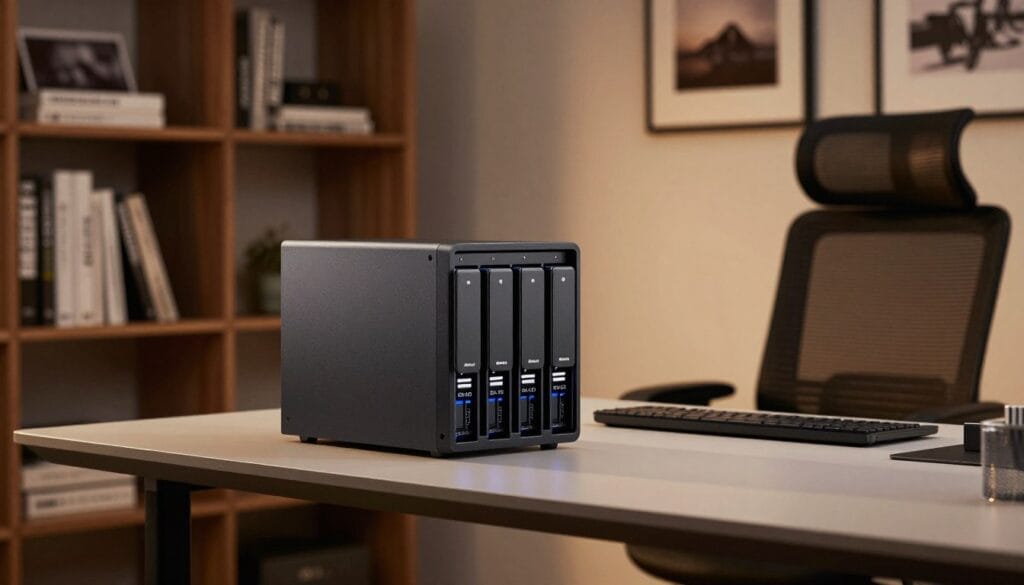
In today’s digital age, safeguarding your files has never been more crucial. A Network Attached Storage (NAS) system offers an effective solution for photographers looking to protect their work. This system automatically creates backups across multiple drives using RAID technology, ensuring your data remains secure.
Implementing a RAID 4 setup with at least three drives provides a robust, professional-grade storage solution. The Synology 4-bay NAS DiskStation DS418, priced at $699, is highly recommended for building such a system. Coupled with Seagate IronWolf 12TB NAS internal hard drives, you can achieve a total capacity of 36TB for your files.
While the initial cost of a NAS system can reach $1,500, the peace of mind provided by automated redundancy is invaluable for professionals. If you have access to fiber internet, a NAS allows you to access your files from anywhere while maintaining a secure, local backup.
This advanced system is the gold standard for photographers who need to manage massive amounts of data with minimal manual intervention.
Cloud Storage as an Integral Backup Component
In today’s digital landscape, safeguarding your images has become more essential than ever. Cloud storage serves as a critical third level of backup, protecting your files from localized disasters such as fire or theft. By integrating cloud solutions into your backup strategy, you can significantly enhance the safety of your work.
Services like Backblaze provide automated backups, ensuring that your latest images are uploaded to the cloud without requiring manual effort. This feature is invaluable for busy photographers who want to focus on their craft rather than worry about data loss.
- Cloud storage offers an essential offsite backup, shielding your files from physical disasters at your home office.
- If you lose your local hard drives, Backblaze can send you a physical drive containing your files, saving you significant time and stress.
- Combining cloud storage with local backups creates a multi-layered defense strategy for your most important digital assets.
- For photographers without high-speed internet, cloud solutions may be slower, but they remain a vital component of a secure backup plan.
Implementing Secure Fire-Safe Practices for Physical Backups
Creating a secure environment for your hard drives is crucial in today’s digital age. To protect your invaluable data, consider implementing fire-safe practices. A fire-rated safe that is bolted down provides a secure way to store your backup hard drives against both theft and fire.
Zach Nichols uses a safe rated for 120 minutes of fire protection at temperatures up to 1200 °F to secure his backup drives. This level of protection offers peace of mind, knowing that your data is safe from catastrophic events.
- Storing your backup hard drives in a fire-rated safe is a proven way to protect your data from disasters.
- A safe that is bolted to the floor prevents burglars from easily carrying away your physical storage.
- Zach emphasizes that his 1,000 lbs+ safe provides reassurance, ensuring drives are protected for up to 120 minutes.
- When choosing a safe, ensure it has a high fire rating to keep your hard drives safe during extreme heat events.
- This physical security measure is an excellent alternative for photographers who lack high-speed internet for cloud backups.
Integrating Advanced Software for Seamless Workflow Automation
Automating your backup process can drastically reduce the chances of losing valuable files. Goodsync is a powerful software tool that simplifies the synchronization of your data between master and backup hard drives.
By automating your backup routine, you minimize the risk of human error. This ensures that your files are consistently copied to secondary storage without the need for manual intervention.
Utilizing advanced software like Goodsync allows you to automate your backup workflow, ensuring that your files are always mirrored across multiple drives. Consistent automation is the key to a reliable system, as it removes the need for you to remember to manually copy your data.
By integrating these tools, you can focus on your photography while the software handles the complex task of maintaining your backup files. A well-defined process that includes automated software checks ensures that your data remains safe even during your busiest shooting seasons.
Investing in the right software is a small price to pay for the security and organization of your entire digital photography library.
Mastering Your Photo Storage Workflow for Consistent Backups
For photographers, a solid backup routine is vital to preserving your creative work. Barry Spruce emphasizes that a consistent post-shoot process is critical for organizing and protecting your images from device failures. Developing a personalized backup routine ensures that you follow the same steps every time you return from a photography shoot.
Establishing a consistent workflow for your backups is the best way to ensure that your files are organized and protected after every shoot. Documenting your process can simplify your routine and help reduce the chance of losing important images. Personalizing your backup routine allows you to adapt the system to your specific needs, whether you are a hobbyist or a professional.
- Make your backup routine a non-negotiable habit for better security.
- Consider documenting each step to streamline your process.
- Adapt your system based on your evolving photography needs.
If you are ready to take the next step in your professional journey, click here: Want to Start Your Own Photography Business?
Enhancing Workflow Speed with Modern Storage Technologies
The efficiency of your editing process hinges on the technology you choose for data management. Modern storage technologies like high-speed SSDs are essential for maintaining the speed of your workflow when processing large, high-resolution image files.
Lloyd Chambers explains that using slow hard drives can create a bottleneck, causing your powerful computer to wait for data to load. This delay can hinder your creativity and productivity.
Balancing SSD Efficiency with Capacity Needs
Balancing the high speed of SSDs with the large capacity of hard drives allows you to optimize your storage for both performance and cost. By using fast drives for active projects, you ensure that your data retrieval is instantaneous, which is vital for efficient editing and culling.
Optimizing Data Retrieval and Processing
Upgrading your storage hardware is one of the most effective ways to enhance the overall speed and productivity of your photography workflow. With the right technology, you can significantly improve how you manage and access your files.
Adopting a Two-Tier Storage Approach for Ongoing Projects
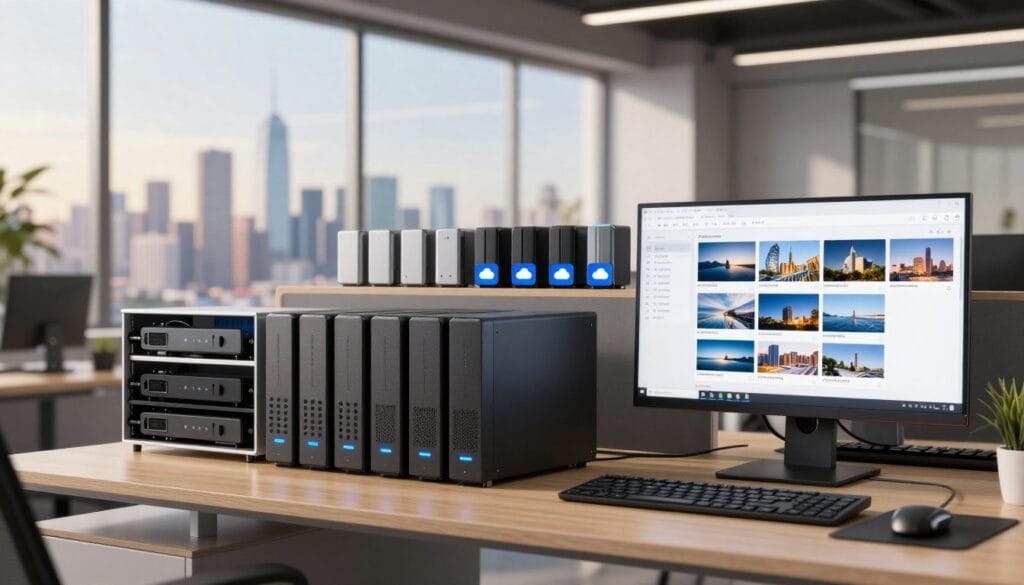
Managing your digital files efficiently is essential for any photographer. A two-tier storage approach is highly recommended. This method involves keeping your current projects on fast SSDs while migrating older files to high-capacity hard drives.
Using fast SSDs for active projects ensures quick access and smooth workflow. The OWC Thunderblade X8 is an excellent choice, offering up to 32TB of capacity. This drive provides the speed needed for editing and processing large files.
When older projects are moved to more affordable hard drives, you can manage your growing library effectively. This strategy not only saves costs but also reduces wear and tear on your drives. Additionally, powered-down drives can help prolong their lifespan.
- This organized storage system makes it easy to find your files.
- Active files are always stored on the fastest drive available.
- By migrating older projects, you keep your workspace uncluttered.
- Efficient file management enhances your overall productivity.
For more insights on effective storage solutions, visit this resource.
Maintaining Consistency in File Organization and Naming Conventions
Organizing your files efficiently is crucial for any photographer. A well-structured system helps ensure that your images are easily accessible. By implementing a systematic approach, you can prevent the chaos that often leads to lost files.
Barry Spruce emphasizes the importance of a consistent folder structure. He labels his folders on external hard drives using a date-first format. This method allows for absolute organization of your images, making it easier to locate files even years after a shoot.
Systematic Folder Structures and Chronological Arrangements
- Maintaining a consistent folder structure is vital for any professional system, ensuring that your images are always easy to find.
- Using a date-first naming convention creates a logical and chronological arrangement for your files.
- A systematic approach to organizing your images prevents clutter, which can lead to frustration during the editing process.
- Following a strict naming system creates a way to manage your library that is both intuitive and efficient for long-term storage.
- Consistency is the hallmark of a professional photographer, and your file organization system should reflect the same level of care as your photography.
Exploring Essential Tools and Recommended Hardware Solutions
Investing in high-quality drives and software is crucial for maintaining a secure backup system. Photographers need reliable tools to ensure their creative work is well protected. The OWC Mercury Elite Pro is a fanless single hard drive enclosure that provides quiet and dependable storage solutions.
For those demanding speed, the OWC Express 1M2 external SSD reaches speeds up to 3151 MB/s, making it perfect for high-performance photography tasks.
- Choosing the right hardware, such as the OWC Mercury Elite Pro or the OWC Express 1M2, is essential for a reliable system.
- High-performance SSDs and robust hard drives form the backbone of your backup strategy, providing the speed and capacity your files require.
- Reliable backup software is just as important as the physical drives, as it automates the protection of your data across your entire system.
- When selecting your tools, consider both the performance of the drive and the long-term reliability of the solution you choose.
- Investing in top-tier hardware and software ensures that your photography process remains fast, efficient, and secure for years to come.
For more information on essential solutions for creative professionals, visit this resource.
Evolving Your Workflow with Technological Advancements
The landscape of digital data management is continuously evolving, requiring photographers to adapt their methods. Lloyd Chambers notes that hard drives have made only marginal speed gains over the last decade. This makes SSDs the superior choice for modern workflows.
Adapting to new storage trends, such as the shift toward larger SSDs, is a necessary way to keep your system performing at its peak. As technology evolves, your storage workflow must adapt to take advantage of faster, more reliable systems that protect your valuable data.
- Lloyd Chambers highlights that the shift toward SSDs is a critical way to improve your system performance compared to older hard drive technology.
- Staying informed about new storage trends ensures that your workflow remains modern and capable of handling the latest high-resolution image files.
- An evolving system is a resilient one, as it allows you to integrate new tools that make your data management easier and more secure.
- By embracing these advancements, you ensure that your photography business stays ahead of the curve and your images remain safe for the future.
Personal Insights and Real-Life Workflow Strategies
Learning from others can greatly enhance your photography practice. Each photographer has a unique approach to their craft. By observing the experiences of both professionals and hobbyists, you can refine your own system for managing images.
Barry Spruce, who offers private guided tours and workshops in the Great Smoky Mountains, emphasizes the importance of a consistent post-shoot routine. His insights help students understand how to maintain a reliable workflow that protects their creative work.
Here are some key takeaways to consider:
- Your storage system should reflect the way you work and manage your images.
- Learning from the successes and failures of others can help you avoid common pitfalls.
- Whether you’re a hobbyist or a professional, your approach should demonstrate your commitment to preserving your creative output.
- Tailoring your system to your specific needs creates a more effective and sustainable way to achieve your long-term photography goals.
“The best way to improve is to learn from those who have walked the path before you.”
Final Reflections on Securing Your Photography Treasure
Every photographer knows the value of safeguarding their creative work. Securing your photography treasure requires a multi-layered backup system that protects your images from both digital and physical threats.
By following a consistent routine, you ensure that your files are always organized, accessible, and safe from the risk of permanent loss.
Remember, the best backup system is the one you actually use. Keep your routine simple and automated whenever possible.
Investing in quality hardware and reliable software is a small price to pay for the peace of mind that your work is protected.
Your photography is a valuable asset, and taking the time to secure it today will pay off for years to come.