
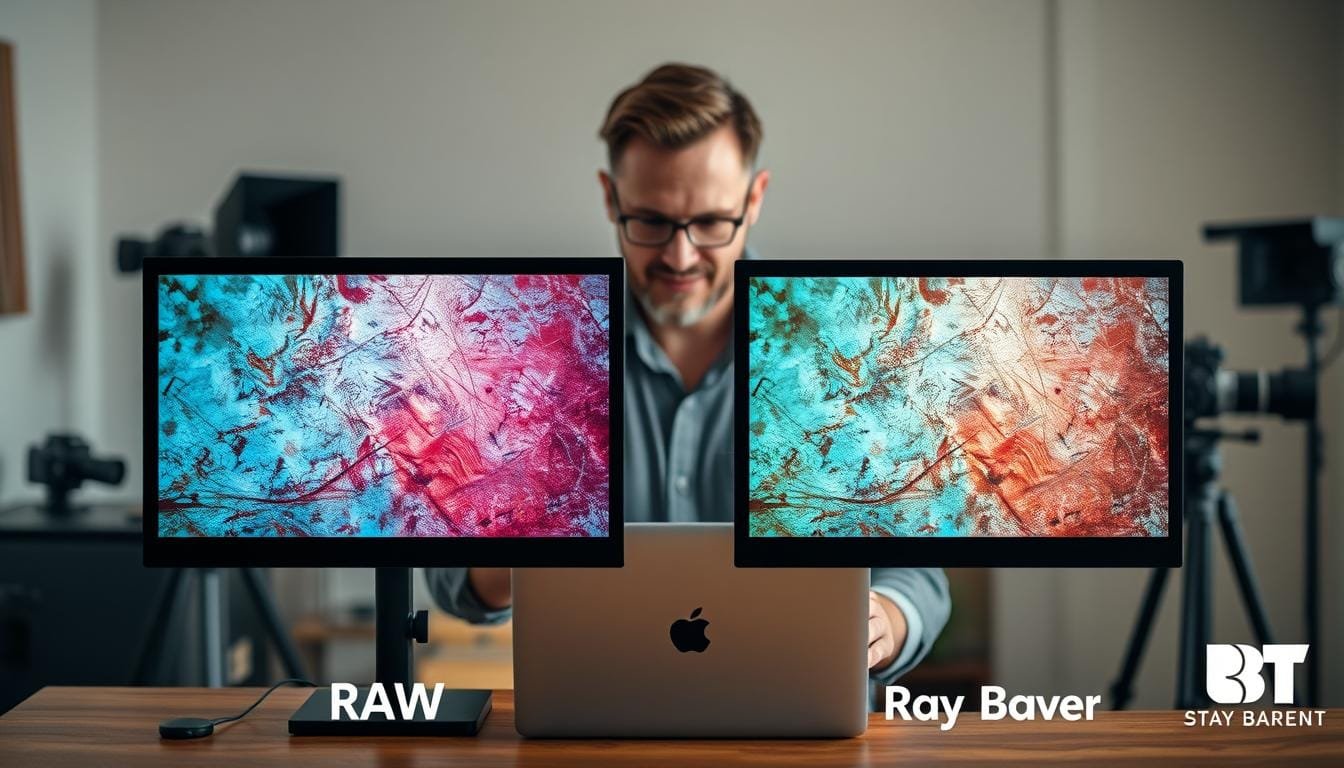
Imagine you’re out in the field, camera in hand, ready to capture a breathtaking sunset. The sky is painted with hues of orange and pink, but as you review your shots, you’re met with dull skies and color banding. Frustrating, right? You might wonder if the lens you chose was the issue, but sometimes, the file format you select can make all the difference.
In this article, I will guide you through the decision of choosing between RAW and JPEG formats. With an update from August 26, 2025, this comparison is designed to help photographers in the U.S. and Australia make informed choices. Whether you’re capturing stunning landscapes or quick snapshots, understanding the trade-offs between these formats is essential.
JPEG files are quick to share and easy to manage, while RAW files offer superior quality and editing flexibility. By examining factors like image quality, file size, and post-processing needs, I aim to provide clarity on when to use each format. Choosing JPEG for a quick job isn’t photographic heresy; it’s a practical decision that can save time and storage space.
Understanding the Basics of RAW and JPEG Files
Picture this: you’re in a vibrant park, capturing every detail of blooming flowers. To understand the difference between file formats, let’s break down what RAW and JPEG files are.
What Is a RAW File?
A raw file is essentially the unprocessed data from your camera’s sensor. It retains all the details and is often saved in formats like CR2, NEF, or CR3. These files require compatible software for editing, as they contain the full spectrum of image data.
When you first capture a raw file, it may appear flat or dark. This is because the camera hasn’t applied the finishing touches seen in a JPEG. The raw format allows for extensive post-processing, which can enhance the final image quality.
What Is a JPEG File?
In contrast, a JPEG file is a processed image. Your camera applies white balance, tone adjustments, noise reduction, and sharpening before saving it. JPEGs are typically 8-bit files that use lossy compression, meaning some data is discarded to reduce file size.
For example, using a Canon 5D Mark II with a 50mm f/1.4 lens at 1/80 second, f/2.0, and ISO 200, both file types can represent the same exposure differently. The model Justin Lin from Lin and Jirsa Photography showcases how results can vary between formats and cameras.
Exploring Image Quality and Dynamic Range Benefits
As I stroll through a picturesque landscape, my camera is poised to capture the essence of the moment. Understanding the differences in image quality and dynamic range between formats is crucial for photographers. When it comes to tonal detail, the disparity between RAW and JPEG files is significant.
JPEG files are typically 8-bit, representing only 256 levels per color channel. In contrast, RAW files often come in 12-bit or 14-bit formats, preserving thousands of tonal levels. This means that when I make substantial edits, the smoother skies and cleaner color transitions become evident. The enhanced tonal detail leads to reduced banding, especially in high-dynamic-range scenes.
For example, a sunset landscape with a bright sky and dark foreground showcases why shooting raw is beneficial. A single raw image can sometimes yield an HDR-style result without clipping highlights. Conversely, JPEG images may require multiple bracketed exposures and software like Photomatix or Photoshop to achieve similar results.
| File Format | Bit Depth | Tonal Levels | Highlight Recovery |
|---|---|---|---|
| JPEG | 8-bit | 256 | Limited |
| RAW | 12-bit / 14-bit | Thousands | Extensive |
In summary, understanding these differences helps photographers make informed choices about when to use each format. For more detailed insights, you can explore this comparison of RAW and JPEG formats.
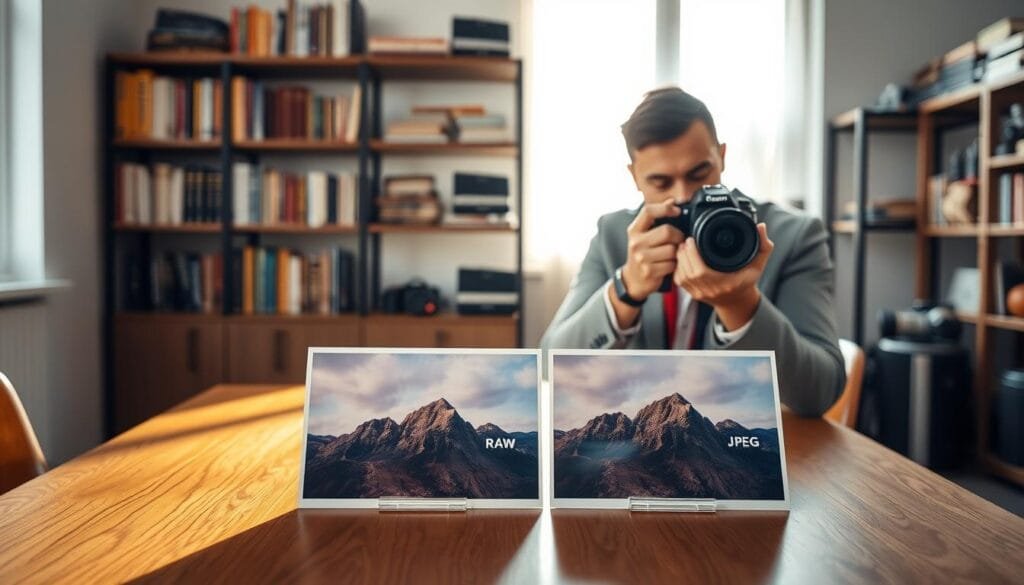
Managing File Size, Storage, and Camera Workflow
When you’re on a photo adventure, managing your storage is crucial. The choice between file formats significantly impacts how many images you can capture. For instance, typical 24MP JPEG files range from 7-10 MB, while RAW files can be 20-30 MB or more.
A 64GB memory card can hold about 6,400 JPEG images but only around 2,100 RAW files. This difference highlights the importance of planning your storage, especially during long shoots.
For example, if I’m on an eight-hour excursion with just a 4GB card, I might choose to shoot JPEG to maximize my captures. However, some locations, like the Sistine Chapel, may restrict photography, reminding me that even ample storage can’t replace missed opportunities.
To safeguard my images, I follow the 3-2-1 backup rule: keep three copies, use two different media types, and store one copy off-site. Testing efficient or lossless RAW compression can also help manage space without sacrificing quality.
| File Format | Typical Size | Images on 64GB Card |
|---|---|---|
| JPEG | 7-10 MB | 6,400 |
| RAW | 20-30 MB | 2,100 |
The Flexibility of Post-Processing: Editing RAW vs. JPEG
When it comes to enhancing your photos, the choice of file format plays a pivotal role. Understanding how to edit images effectively can make a significant difference in the final outcome. Let’s explore the editing capabilities of both formats.
Enhanced Editing Latitude with RAW Files
Shooting raw allows for greater flexibility in post-processing. A raw file retains more information, making it easier to recover details in highlights and shadows. For example, when I overexpose an image by two stops at 1/40 second, f/2.0, ISO 400, a raw image can preserve facial details that a JPEG might clip.
Similarly, underexposing an image by two stops at 1/500 second, f/2.0, ISO 400 can reveal shadow details when I lift the exposure in editing. This capability is crucial for achieving the desired dynamic range in my photos.
Limitations When Editing JPEGs
On the other hand, JPEG images have their limitations. While they may look cleaner due to in-camera processing, they can lose detail in noise reduction, especially at higher ISOs like 6400. JPEG editing should be gentle, with careful adjustments to white balance and minimal repeated saving.
Software options like Adobe Lightroom, Capture One, and RawTherapee can enhance both formats, but raw files offer a distinct advantage in preserving image quality and detail.
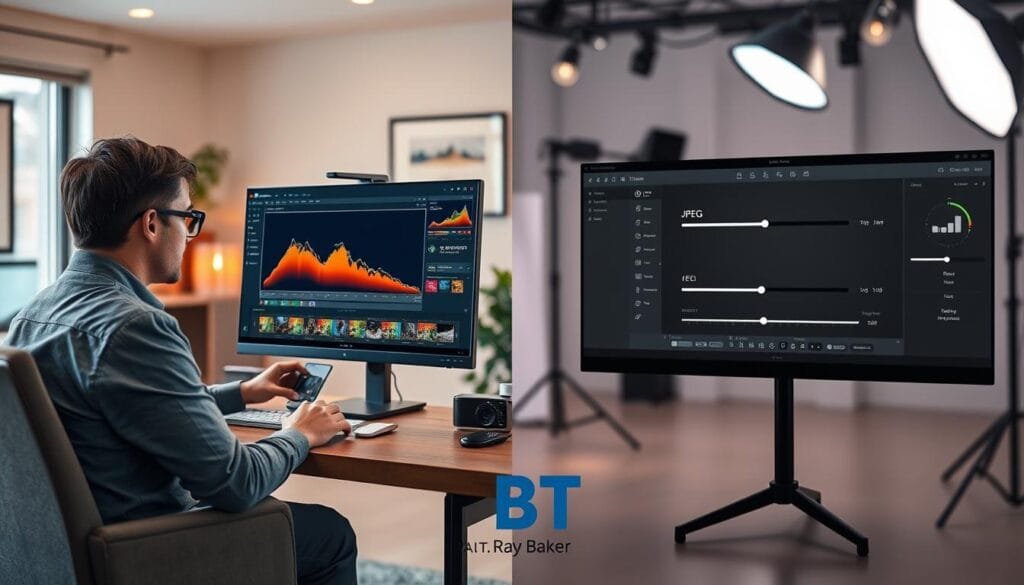
Performance Under Pressure: Shooting Conditions and Speed
When capturing fast-paced moments, the choice of file format can greatly impact your results. In scenarios like sports or wildlife photography, the speed of your camera and the format you choose can make all the difference.
The Canon EOS R5 can shoot approximately 350 JPEGs at 12 frames per second, while it captures about 180 uncompressed raw files in the same time frame. This disparity illustrates why many photographers opt to shoot JPEG in fast-action situations. A full buffer can interrupt a decisive moment, making speed essential.
Low-light conditions also play a crucial role. For instance, at ISO 6400, JPEG images often appear cleaner due to built-in noise reduction. However, shooting raw gives you more control over details during post-processing. This flexibility is vital for achieving the best quality in challenging lighting.
Before committing to a format for critical shoots, check your camera’s burst depth, card speed, and buffer behavior. Understanding these factors will help you make informed decisions that can save precious moments. For a visual explanation, Pye Jirsa’s video tutorial on beach landscape photography effectively illustrates the differences between formats.
| Camera Model | JPEG Burst Shots | RAW Burst Shots |
|---|---|---|
| Canon EOS R5 | 350 | 180 |
RAW vs JPEG: When to Choose Based on Your Vision
Choosing the right file format can transform your photographic vision into reality. The decision between RAW and JPEG should align with your creative intent. For critical projects, such as landscapes or weddings, the flexibility of a raw file is invaluable. These formats allow for greater detail and dynamic range, essential for large prints and challenging lighting conditions.
On the other hand, JPEG files are perfect for immediate web delivery or casual photography. They offer convenience and smaller file sizes, which can be crucial when storage space is limited.
Selecting the Right Format for Critical Projects
- Use RAW for high-dynamic-range landscapes and events where detail is key.
- Choose JPEG for quick sharing, personal snapshots, or when extensive editing isn’t planned.
Using RAW+JPEG for Safety and Efficiency
Combining both formats can be a smart strategy. Shooting RAW+JPEG provides an instantly shareable JPEG while retaining the raw image for later editing. This approach is particularly useful in fast-paced environments, like weddings, where quick previews are beneficial.
In situations where a camera’s RAW buffer is restrictive, consider using efficient or lossless compressed RAW settings. This way, you won’t have to abandon the raw format entirely while still managing your storage effectively.
Practical Studio and On-Location Setup Tips
Effective photography begins with a well-thought-out setup, whether in a studio or on location. Understanding how to optimize lighting and camera settings can significantly enhance your results.
In a controlled studio, set your exposure and white balance carefully. Using JPEG is ideal when the lighting remains consistent and delivery speed matters. For on-location work with mixed color temperatures, preserve RAW flexibility. This allows for white-balance adjustments without relying on in-camera processing.
Always check the histogram and highlight warnings before important shots. Remember, RAW recovery cannot restore channels that were genuinely clipped. Additionally, prepare sufficient cards and backup space for long sessions, especially when shooting RAW+JPEG, as this duplicates every captured frame.
Finally, photograph a neutral reference or gray card at the start of a lighting setup. This provides a reliable color target for later software adjustments.
| Setup Type | Recommended Format | Key Considerations |
|---|---|---|
| Studio | JPEG | Consistent lighting, quick delivery |
| On-Location | RAW | Mixed lighting, flexibility needed |
| Long Sessions | RAW+JPEG | Storage planning, backup |
Photography and Editing Tips to Enhance Your Workflow
A well-structured workflow can significantly elevate your photography game. Understanding how to balance the use of different file formats can streamline your editing process.
A Quick Answer Summary for Immediate Guidance
For quick sharing and consistent lighting, JPEG files are ideal due to their smaller size. However, if you need extensive recovery and editing capabilities, RAW files are the better choice, especially for prints and mixed lighting conditions.
Five Key Takeaways for Photographers
- Quality and Flexibility: RAW files offer superior quality and editing flexibility.
- File Size and Storage: JPEG files are smaller, making them easier to store.
- Burst Performance: JPEGs allow for higher burst rates in fast-action scenarios.
- Project Intent: Choose RAW for detailed projects and JPEG for casual shots.
- RAW+JPEG Compromise: Using both formats can provide the best of both worlds.
Photography Tips
Check your histogram regularly to avoid clipping highlights. Use gentle editing techniques on JPEGs to maintain quality. For RAW files, rely on software for detailed processing. Lastly, establish a reliable backup routine to protect your images.
Substitution Tip: Consider using efficient or lossless compressed RAW settings to balance storage and buffer needs before switching entirely to JPEG.
Send this to a friend who loves photography and might benefit from these tips!
For more insights on editing techniques, check out our post-processing techniques resource in the photography category.
FAQs
- Is RAW higher quality than JPEG? Yes, RAW files retain more detail and allow for better editing.
- When is JPEG preferable? JPEG is ideal for quick sharing and situations where storage is limited.
- Can RAW convert to JPEG? Yes, RAW files can be converted to JPEG during the editing process.
- Does every camera support RAW? No, not all cameras support RAW formats; check your camera’s specifications.
Final Thoughts on Choosing the Right File Format
In the world of photography, selecting the right file format is crucial for achieving your artistic vision. A raw file is often the safer choice when dynamic range, critical color, and editing flexibility matter. On the other hand, JPEG remains a reliable option for speed and consistency.
The best format truly depends on your assignment, camera buffer, delivery deadlines, and storage plans. For many photographers, shooting in both RAW and JPEG can be a sensible middle path. This allows for immediate images while retaining the raw image for later refinement.
However, remember that RAW cannot repair severely clipped highlights, and JPEG cannot regain data lost through compression. Make your choice wisely!
References: Alan Ranger Photography, Lin and Jirsa Photography, Finn Productions, Adobe, Capture One, Darktable, Photomatix, Photoshop, Pye Jirsa.
Stay focused.
Ray Baker.