
Have you ever experienced the panic of losing precious images just when you need them the most? This feeling is all too familiar for many in the world of photography. Thankfully, there are effective ways to safeguard your files and enhance your workflow.
With the right knowledge, you can ensure that your storage solutions are as reliable as your camera. The Canon R6 Mark II, for instance, offers dual slots for simultaneous RAW recording, making it easier to manage your files. This article will explore essential strategies to keep your storage in check, preventing any mishaps during high-stakes events like weddings.
While our brains may falter after sleepless nights, your storage devices are designed to remember everything. We will guide you through best practices to maintain your equipment, ensuring your data remains secure and your workflow stays smooth.
Key Takeaways
- Learn how to prevent file corruption and loss.
- Discover the benefits of using dual-slot cameras.
- Understand the importance of effective storage management.
- Find out how to maintain your storage devices.
- Ensure your workflow remains uninterrupted during critical moments.
Understanding Memory Cards and Their Role in Photography
Every photographer knows the heart-stopping moment when they realize their images might be lost. Understanding how these small devices function is essential for a smooth shooting experience. Memory cards contain flash memory and a controller that dictates both speed and quality.
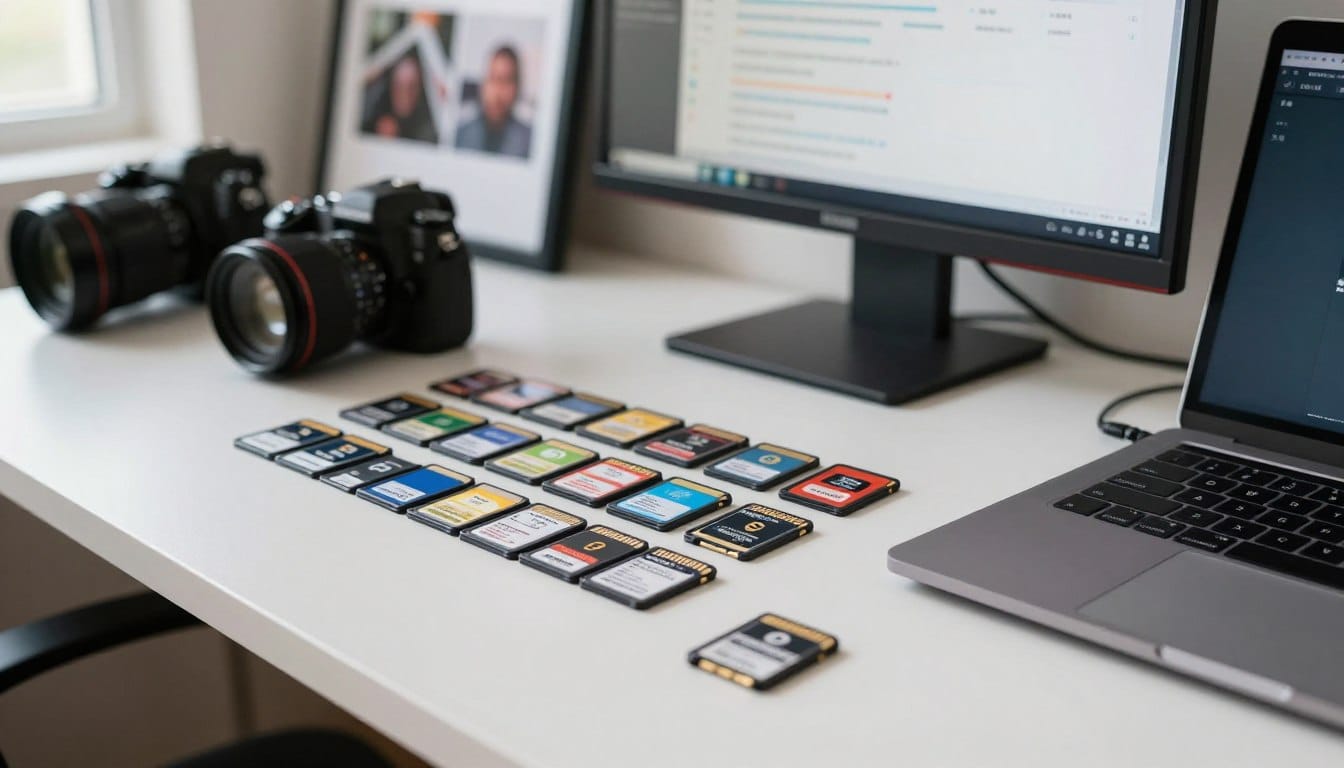
In 2017, professional photographer Whit utilized four 32 CF cards and six 32 SD cards to manage her workflow throughout the season. This choice reflects the importance of selecting the right cards to ensure reliability and efficiency.
Modern cameras depend on these devices to hold the digital essence of your work. Thus, they are among the most vital components in your gear bag. By choosing high-quality options, you guarantee that your photography remains consistent, and your digital assets are managed with precision.
| Type of Card | Capacity | Speed Class |
|---|---|---|
| CF Card | 32 GB | UHS-I |
| SD Card | 32 GB | UHS-II |
| SDXC Card | 64 GB | UHS-III |
Common Challenges Photographers Face With Memory Cards
The frustration of realizing your images are missing can be overwhelming. Many photographers encounter issues that can jeopardize their work. One major concern is the way files are managed on these small devices.
Jeff Cable, a former Director of Marketing at Lexar, emphasizes that deleting images one by one in-camera can be a risky approach. This method can scramble the FAT Table, which acts as the Table of Contents for your card’s data. When this happens, the risk of losing valuable photos increases significantly.
Additionally, using inferior cards can lead to slowdowns. Professional photographers often need high-speed performance to capture high-resolution images effectively. Understanding these challenges can help ensure your files remain safe and your workflow stays efficient.
Formatting your card is a much safer alternative to deleting individual files. This method helps maintain the integrity of your data and avoids the pitfalls associated with file management.
memory card tips for photographers: Ensuring Data Safety and Efficiency
Imagine the sinking feeling when your cherished photos seem to vanish. It’s a situation that can happen to anyone. Thankfully, there are effective ways to safeguard your files and enhance your workflow.
Data recovery software, such as Lexar’s Image Rescue, can often recover your files even after formatting a card. Formatting only clears the FAT Table, which is like the Table of Contents for your data. This means your images may still be intact.
Here are some essential tips to keep in mind:
- If you accidentally format a card, recovery software can help retrieve your data.
- Remember, formatting clears the Table of Contents, not the actual files.
- Keep your camera settings optimized to ensure the write speed meets your shooting needs.
- Implement these quick tips to maintain a professional workflow and protect your hard work.
- Always handle your memory cards with care to prevent corruption during use.
Managing Memory Card Capacity for Busy Shooting Days
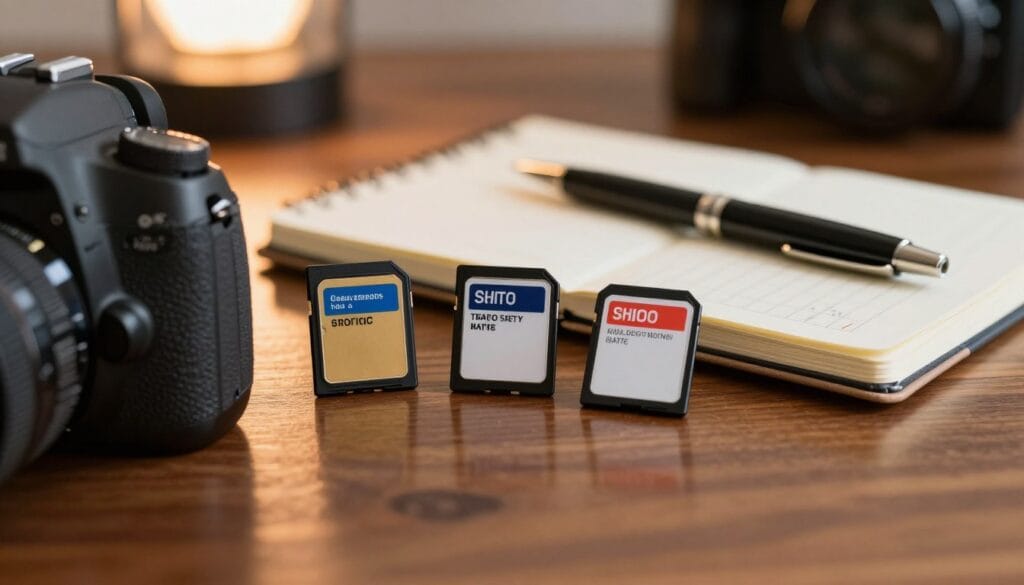
The excitement of capturing the perfect moment can quickly turn to dread if you run out of storage. Selecting the right size for your cards is crucial, especially during significant events like weddings. Understanding how many images you can store helps you focus on your craft without interruptions.
For a full wedding day, using 256GB cards is ideal, as they can hold over 5,000 images. This capacity means you won’t have to worry about changing cards mid-event. If you’re using a camera like the Canon RP, which has only one slot, consider 32GB cards to minimize risk.
Here are some strategies to manage your storage effectively:
- Utilize 256GB cards to ensure ample space throughout the day.
- For single-slot cameras, opt for 32GB cards to limit potential data loss.
- Change cards during natural transitions, like after detail shots or the first look.
- Using dual slots is the best practice for redundant backups during events.
- By choosing the right capacity, you can concentrate on your shooting rather than storage concerns.
Best Practices for Formatting and Maintaining Cards
The importance of proper formatting cannot be overstated when it comes to ensuring your images are safe. Jeff Cable, a renowned photographer, emphasizes that you should always format your storage device in the camera you are using, such as the Canon 1D X Mark II. This practice helps avoid compatibility issues that can arise when moving cards between different manufacturers.
Formatting your cards in a computer is not advisable. Different camera types manage file structures uniquely, which can lead to future complications. To keep your storage organized, consider formatting your cards after every wedding day. This keeps your storage clean and ready for the next big event.
Maintaining a consistent workflow is vital. It ensures that your recording speeds remain high and your devices perform at their peak. A great idea is to label your cards by year and number, like “17-1,” to easily track your storage throughout the year.
Essential Accessories and Card Reader Considerations
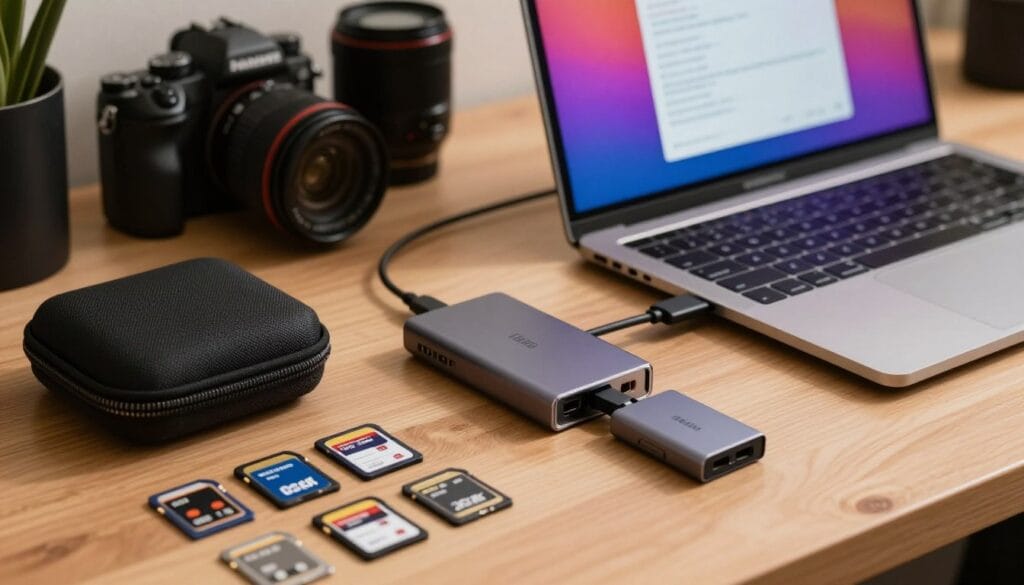
When it comes to capturing moments, the right accessories can make all the difference. Selecting a quality card reader is essential for maintaining optimal performance and protecting your data. Jeff Cable, a former Lexar executive, warns that using a cheap reader with a high-quality memory card can lead to data corruption.
Investing in a high-performance reader, like the Lexar HR2 Workflow Reader Solution, ensures fast and reliable transfer speeds. It’s crucial to never pull a card out of your computer or camera while data is still being written. This practice is the fastest way to lose valuable images.
We recommend waiting a few seconds after the red light on your camera stops blinking before removing the card from the slot. Quality accessories are just as important as your camera and lenses when it comes to protecting the integrity of your digital files.
For more insights on minimizing card problems, check out this resource.
Labeling, Organizing, and Protecting Your Memory Cards
Keeping your storage organized is essential to avoid losing vital images. One effective way to manage your cards is by using Think Tank Pixel PocketRockets. These cases help keep your cards safe and organized, ensuring easy access during shoots.
A practical method is to turn full cards upside down in the case. This simple action helps you quickly identify which cards need to be backed up. Labeling your cards with the year and a sequence number, such as “17-1,” is another effective strategy.
Even if you are a goof, maintaining professional systems for your cards is the best way to ensure your clients’ photos are safe. Keeping your cards in a dedicated case prevents them from being lost or damaged, which is essential for any photographer working on location.
By organizing your workflow, you can spend less time fussing over your gear and more time focusing on the creative side of photography.
| Card Management Strategy | Description |
|---|---|
| Use of Cases | Think Tank Pixel PocketRockets help organize and protect cards. |
| Card Orientation | Turn full cards upside down to track backups. |
| Labeling System | Label cards with year and sequence for easy management. |
Implementing Robust Backup and Workflow Systems
The fear of losing your hard-earned shots can haunt any dedicated photographer. To combat this anxiety, establishing a solid backup system is essential. A well-structured workflow can save your images and maintain efficiency.
One effective method is to implement a triple backup strategy. This means storing your photos on hard drives, a physical SD card, and a cloud service until the wedding is fully delivered. As Whit does, keeping a JPEG backup SD card in a safe place can ensure your images are secure.
Additionally, integrating second shooter systems can enhance your workflow. Encourage your second shooter to use a 32GB card for the entire day. This practice promotes intentional shooting rather than just firing away. At the end of the day, having them hand over their card helps maintain a consistent workflow.
We never format a card until we are absolutely certain that the images are backed up in three different places. This level of redundancy is the only way to guarantee that your clients’ memories are protected against any potential technical failure or loss.
Wrapping Up: Maximize Your Memory Card Efficiency
A photographer’s journey is often filled with the fear of losing cherished images. We hope this article has equipped you with essential strategies to keep your data secure. Remember, your storage solutions deserve the same respect as your most prized lenses.
By following these straightforward recommendations, you can steer clear of common issues that lead to lost photos and added stress during shoots. We encourage you to subscribe to our blog for more insights into the technical and business aspects of photography.
Thank you for joining us as we explored the best ways to manage your storage and protect your clients’ treasured memories. Disclaimer: This guide is for informational purposes only; always test your equipment and backup systems before relying on them for professional work.
FAQ
What should I look for when choosing a memory card?
How often should I format my memory cards?
What is the best way to back up my photos?
Can I use different brands of memory cards in my camera?
How can I prevent data loss on my memory cards?
What should I do if my memory card is not recognized by my camera?
How do I organize my memory cards effectively?
Is it safe to use high-capacity cards for important events?
Struggling to get consistent photography clients?
Get More Photography Clients