A Review of Photoshop Tutorials – I have been asked too may times if I knew of any photoshop guides especially good ones… well here they are. Some of these photoshop tutorials have just been released at the time of writing hence this post…
Once upon a time, Photoshop ruled the roost of image editing software. However, Adobe’s, Incorporated (what some say) inflated prices and callous disregard of its user-base has created a backlash. While the lion’s share of photo image editing work – particularly in the professional sphere – still happens on an Adobe product, many image artists are beginning to explore alternative software as well. In most cases, the software was already out there before Photoshop was invented. Having said all that, many swear by Photoshop (I often use it too) and use it for unique work or projects.
Many amateur and professional photographers have discovered the almost limitless potential of Photoshop software – they can change textures, apply all kinds of artful filters, make additions or corrections to photographs, and even combine unlikely images into a single image. One area where Photoshop becomes an incredibly useful tool is in portrait photography.
For example, most professional photographers are now capturing all of their images in the RAW format because of its functionality in the Photoshop program. The larger file size captures a broader range of color and makes for a much better, less “noisier” print. The traditional JPG format that most people use for their photographs asks for certain camera settings and may eliminate a great deal of the control that photographers want when taking professional and portrait images.
The newest technology revolutionizing SLR digital photography techniques is high dynamic range images (HDR or HDRI). Think about some of the shots you take when you are out and about with your digital camera.
How often do you think you have that great shot of your dogs running along a beach? You take a look at it on your screen and you are excited it looks great. But, when you download the image it does not have the depth of feel you saw when you took it. A digital image cannot capture the full range of light of the subject. You usually get something less than you expect. But this is true of any camera.
Many amateur and professional photographers have discovered the almost limitless potential of Photoshop software – they can change textures, apply all kinds of artful filters, make additions or corrections to photographs, and even combine unlikely images into a single image. One area where Photoshop becomes an incredibly useful tool is in portrait photography.
For example, most professional photographers are now capturing all of their images in the RAW format because of its functionality in the Photoshop program. The larger file size captures a broader range of color and makes for a much better, less “noisier” print. The traditional JPG format that most people use for their photographs asks for certain camera settings and may eliminate a great deal of the control that photographers want when taking professional and portrait images.
There are many rules in the world, and it is just plain frustrating to know that even our most creative endeavors, such as photography, will also have some standard rules as well.
HDR (high dynamic range) imagery has helped professional photographers to record photos other than those that they could capture with a camera. It has opened up the photos so that they can record a great range of lighting detail, and makes photos that would otherwise have very dark tonal areas aesthetically pleasing.
Pictures eternalize those very memorable moments shared with your loved ones. Taking pictures is not just all about clicking that button and smiling at the camera. There are many things to consider in order to get the perfect shot. Backgrounds and props as well as the people’s attitudes and expressions should be appropriate for the … Read more
Photographers who take photographs at night or in low light usually use long exposures when taking photos. If you want to blur light and motion, you can also use long exposures. Shutter speeds as slow as one second are often required under low-light conditions. If you want to make night scenes to appear as bright as day or if you want to create blurred motion effects, you may need to keep your shutter open for longer than a minute.
Photoshop and other image editing programs contain a tool known as levels that can take an image histogram and move or stretch its brightness levels. It has the ability to change brightness, tonal range and contrast of total black, total white and any mid-tones in a photographic image. These tips will give you a better handle on levels and enable you to efficiently use it to its full advantage, which will give you better photographs as a result.
 A Review of Photoshop Tutorials – I have been asked too may times if I knew of any photoshop guides especially good ones… well here they are. Some of these photoshop tutorials have just been released at the time of writing hence this post…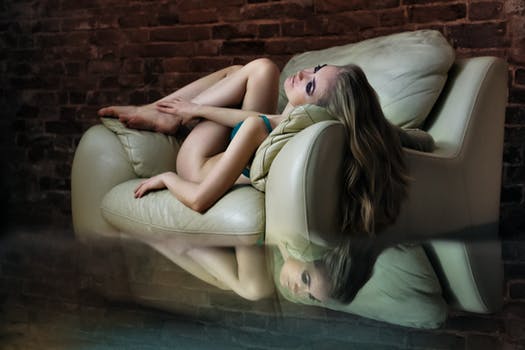
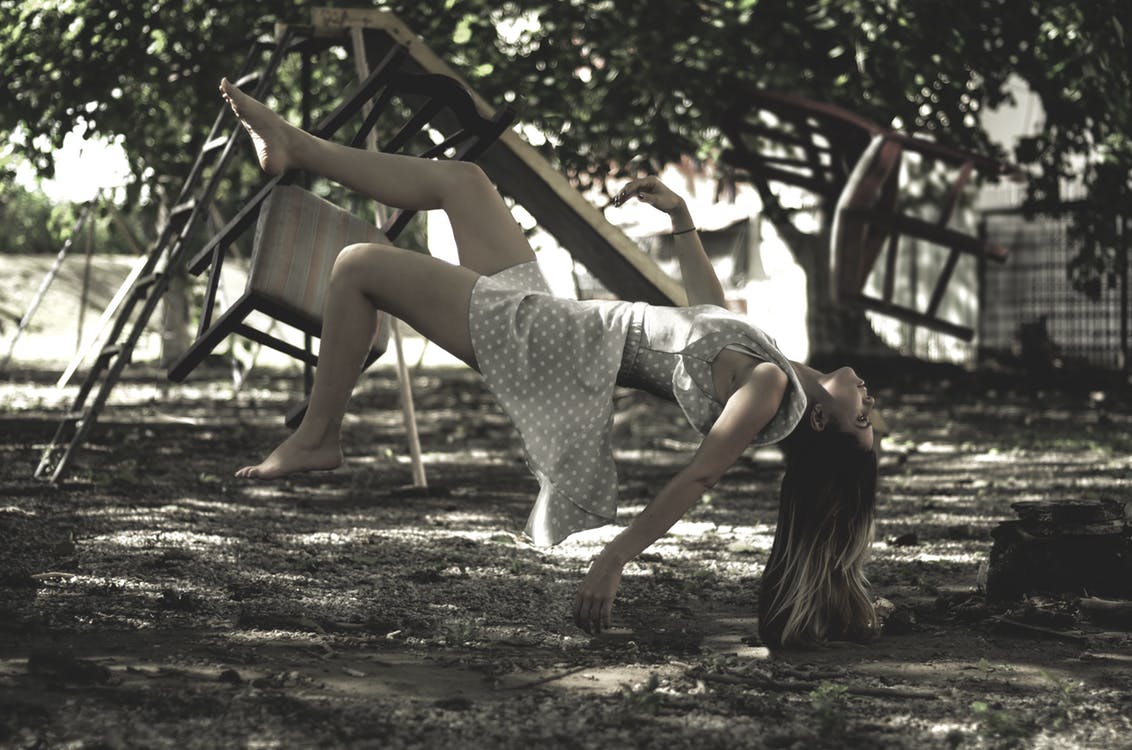
 Once upon a time, Photoshop ruled the roost of image editing software. However, Adobe’s, Incorporated (what some say) inflated prices and callous disregard of its user-base has created a backlash. While the lion’s share of photo image editing work – particularly in the professional sphere – still happens on an Adobe product, many image artists are beginning to explore alternative software as well. In most cases, the software was already out there before Photoshop was invented. Having said all that, many swear by Photoshop (I often use it too) and use it for unique work or projects.

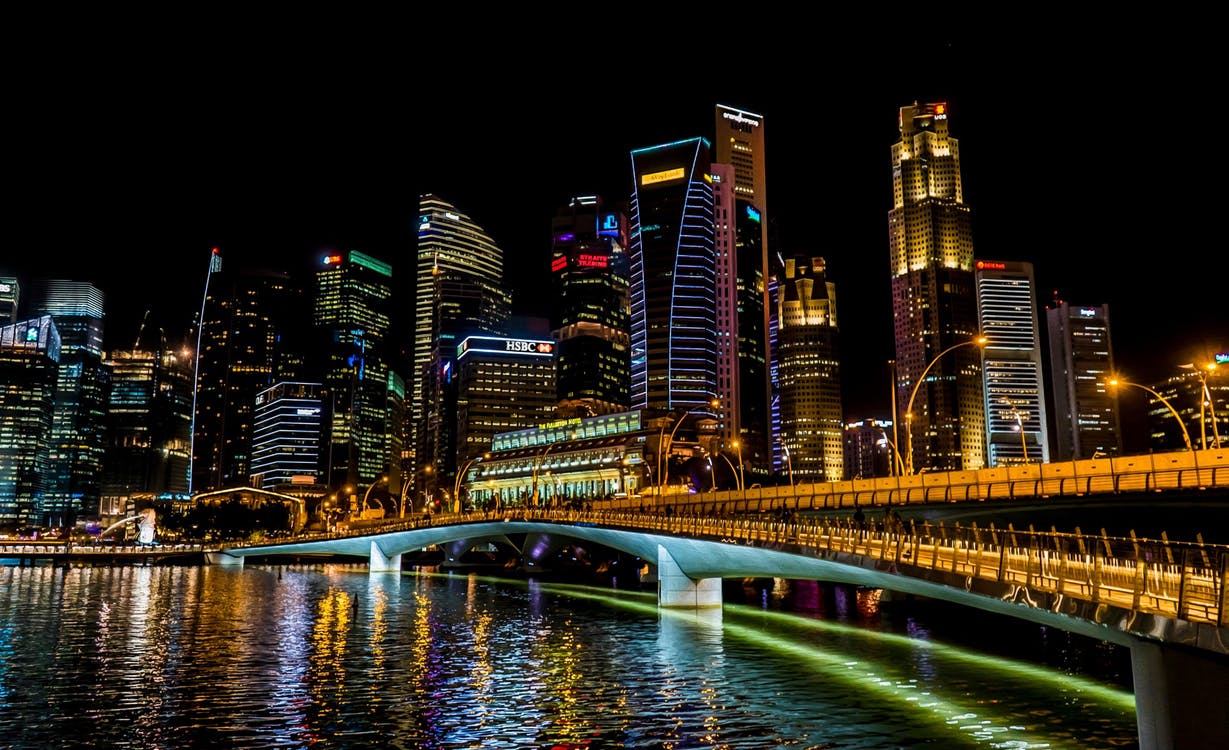
 The newest technology revolutionizing SLR digital photography techniques is high dynamic range images (HDR or HDRI). Think about some of the shots you take when you are out and about with your digital camera.


